
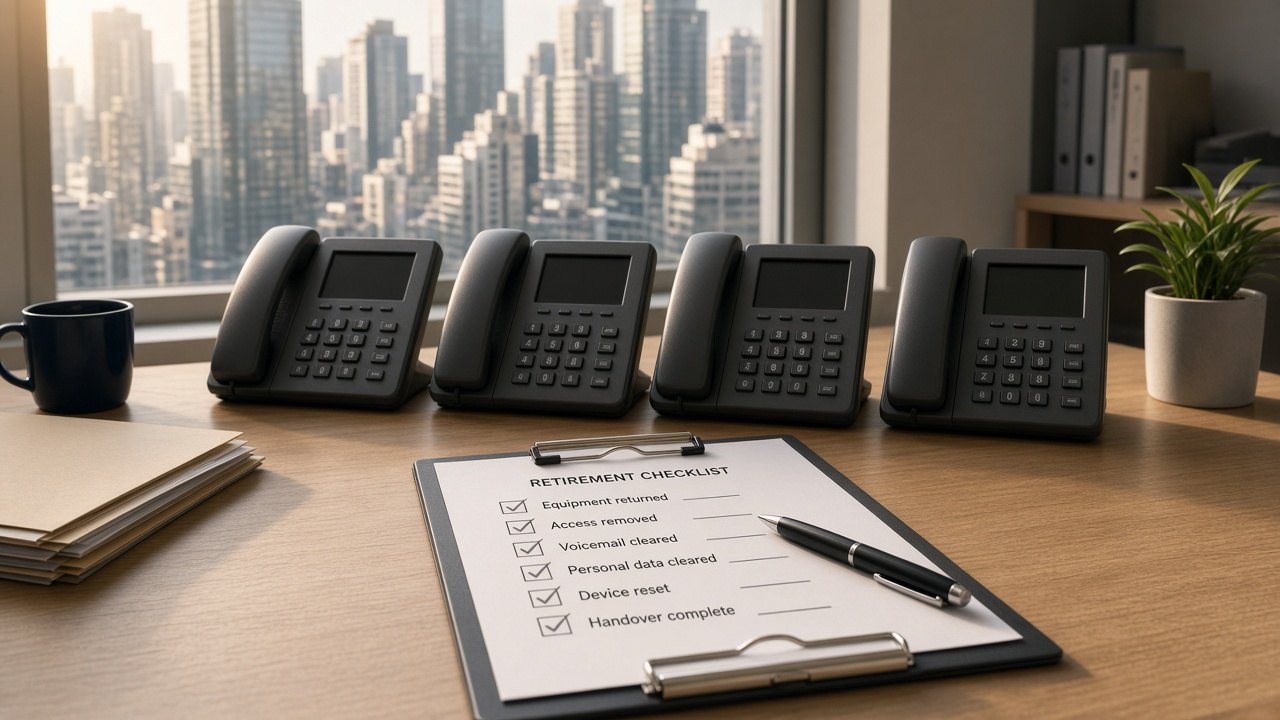
In short: When a Hong Kong office has to retire office IP phones — desk handsets, conference speakerphones, or a whole floor of extensions — the job is not finished by boxing up the plastic. The phones, and more often the private branch exchange (PBX), call manager or cloud calling tenant they register to, may still hold directories, call history, voicemail, extension credentials or call recordings. Returning leased handsets to a vendor, or sending owned phones for recycling, does not by itself end the organisation’s duty to protect personal data still stored on those systems. Confirm the return rules in writing if the phones are leased or rented, then clear or unenrol what your policy requires, and keep a record of what was actually done.
This article is general information, not legal advice, and it is not a summary of any particular lease, rental or telecoms contract. Not every desk phone stores data locally. Contracts and platforms differ. Check the schedule in front of you, and ask the vendor or lessor to confirm the return rules in writing, before you factory-reset, unenrol, or recycle a handset that does not belong to you.
Why retiring office IP phones is not the same as recycling a mobile phone
A company smartphone is usually tied to a personal or work mobile account, a mobile-device management tool, and a SIM. The practical steps, and the collection path, are different. We already publish a separate guide on mobile phone data destruction in Hong Kong. That page is not a substitute for a desk-phone retirement.
Office IP phones are shared business endpoints. They sit on a desk or in a meeting room, register to a call platform, and often display a staff name or an extension number. When a Hong Kong office moves to a new calling service, closes a floor, or hands the premises back, those handsets are easy to treat as empty plastic. They are not always empty, and they are only one part of the system.
This is also not the same decision as returning leased laptops, PCs or servers to an IT lessor, or as returning a leased photocopier or multifunction printer. The storage, the party that collects the equipment, and the contract terms are often different. Nor is this a general briefing on how an overseas headquarters arranges IT asset work in Hong Kong. The question here is narrower: what should be cleared, unenrolled or recorded before office IP phones leave a Hong Kong site.
The handset is often not the main store
It is a mistake to start from the idea that every desk phone has a meaningful local database, or that wiping the handset finishes the job. In many offices the important records live on the platform, not in the plastic.
An on-premises PBX or call manager, or a cloud calling tenant, may hold:
- Voicemail messages and greetings for each extension.
- Call recordings, if your organisation records calls, and the access logs that go with them.
- Call-detail or call-accounting records, which can include numbers dialled and received, times and durations.
- Extension profiles, hunt groups, speed-dial lists and corporate directories.
- User credentials, voicemail PINs, and administrator accounts for the platform itself.
- Device inventory: MAC addresses, extension assignments and configuration profiles used to provision the phones.
If that platform is under your control, a handset reset does not automatically delete those records. If the platform is operated by a telecoms provider or a landlord, you still need to ask, in writing, what will happen to your organisation’s voicemail, recordings, directories and billing records when the service ends. Do not assume that collecting the phones has closed the account.
Apply your retention policy to the platform as a separate step from the physical collection. If a legal hold applies to particular mailboxes, recordings or extensions, do not wipe, close or return those records until you have written instructions from the people who issued the hold. This article does not tell you whether a hold applies; that is a decision for your legal or compliance team.
What a desk phone or conference phone may still hold locally
Some basic handsets hold little or nothing that a later user could read. Others keep a surprising amount of local information. Do not invent storage that is not there, and do not assume that a blank screen means there is nothing to clear.
Before the phones leave the floor, it is worth asking — and recording — whether the following are present on the device, in a sidecar or expansion module, or in a cordless base, and what will be done with them:
- Personal or local directories, speed dials and recently used numbers.
- Call history, redial lists and missed-call logs.
- A display name, extension number, or hot-desk profile left on the screen or in the configuration.
- Voicemail access or a message-waiting state, even when the messages themselves sit on the platform.
- SIP or other registration credentials, administrator passwords, and Wi-Fi or network credentials stored for the device.
- Bluetooth pairing records, if the handset supports a headset or a mobile link.
- Cached configuration, certificates or provisioning URLs that still point at your call platform.
Conference speakerphones and reception consoles can hold the same classes of information, sometimes for more than one user. A video bar or an interactive meeting display is a different kind of endpoint, with accounts and files of its own; that is not the focus of this guide.
Do not publish model-by-model key sequences here, and do not follow a blog post for another brand as if it were your standard. Use the method your administrator documentation and your policy actually support, and record what you could and could not complete.
If the phones are leased or rented, confirm the rules in writing first
Many Hong Kong offices do not own the handsets. They are rented with a phone system, supplied by a telecoms operator, or included in a managed workplace or fit-out. In that case you typically do not own the chassis, and you may not be free to factory-reset, unenrol, recycle or destroy the units as if they were yours.
Ask for written confirmation, ideally tied to the contract, asset schedule or service agreement, on at least the following:
- Must the original handsets, handset cords, power supplies, expansion modules and bases go back complete and in working order?
- May you factory-reset or otherwise sanitise a unit before collection, and will the vendor still accept it afterwards?
- Who is allowed to unenrol the device from the call platform or from a device-management account — your staff, the vendor, or both?
- What should happen to local directories, call history and stored credentials on the handset?
- What will happen to voicemail, call recordings, directories and call-accounting records on the provider’s platform when the service ends?
- Where and when will collection happen, and who signs for the assets?
A technician’s informal comment, a colleague’s experience in another office, or a brochure from a previous year is not a substitute for written confirmation on this inventory. If the phones are leased and the answer is unclear, do not recycle or destroy them while you wait.
Recycling or destroying a leased handset without approval can create missing-parts or repair charges — but only the vendor or lessor can tell you what your contract actually allows. This article does not claim that every lessor in Hong Kong requires a complete, working return, or that every lessor forbids a reset.
If you own the handsets: unenrol, clear, then decide how they leave
If the company owns the phones, you usually have more room to decide whether they are reused, sold, recycled or retained for spare parts. That freedom does not remove the need to take the accounts and the data off the devices first.
A practical sequence, which you should adapt to your own platform and policy, is:
- Inventory the units: model, serial or asset tag, MAC address if it can be read, extension, location, and condition.
- Decide, with your records policy, what must be exported or retained from the call platform — for example call-accounting records that are also business records — before anyone deletes mailboxes or closes the tenant.
- Unenrol or de-register each device from the PBX, call manager or cloud calling tenant, and from any separate device-management or vendor-cloud account.
- Clear local directories, call history and stored credentials where the device actually holds them, using a method that matches the device and your policy.
- Record what was completed, what could not be completed, and who did the work.
- Only then pack the units for reuse, recycling or another agreed disposal route.
Do not skip the unenrolment step. A phone that still thinks it belongs to your tenant can be a nuisance, and in some setups it may still accept or display information tied to your organisation after it has left the building.
Do not treat a factory reset as automatically sufficient
A “reset to factory default” option on a desk phone can be a useful step. It is not, by itself, a complete answer for every model, and it is not something to treat as a verified erasure report.
The Office of the Privacy Commissioner for Personal Data (PCPD), in its Guidance on Personal Data Erasure and Anonymisation, has said that simple file deletion or reformatting of hard drives and USB memory devices is not a reliable method of deletion, because the data can be fully recoverable by commonly available third-party software. That statement is about those forms of media. It is not a laboratory test of every IP-phone reset menu, and this article does not pretend otherwise.
The practical lesson is still useful. A casual reset, a deleted directory, or a changed administrator password may leave data or credentials in places you have not checked. Some devices hold little local data and a reset is straightforward. Others need a method that matches the storage they actually have. Use the method your policy requires, confirm what a lessor will accept if the unit must be returned working, and keep evidence of what was done — not only a tick on a packing list.
Personal data, purpose-based erasure, and tax record retention are not the same thing
Directories, call history, voicemail and call recordings can include personal data: staff names, personal or customer telephone numbers, and the content of messages. Under the Personal Data (Privacy) Ordinance (PDPO), a data user must take all practicable steps to protect personal data against unauthorised or accidental access, processing, erasure, loss or use. When the data is no longer required for the purpose for which it was collected (including a directly related purpose), the data user must take all practicable steps to erase it, unless erasure is prohibited under any law or it is in the public interest not to have the data erased. The PCPD has also noted that the security duty applies to the handling of obsolete information technology storage equipment for disposal or recycling.
Returning the handsets, or resetting them, does not automatically satisfy that duty if personal data remains on the phones or on the call platform. For a longer explanation of retention and disposal in a Hong Kong IT context, see our guide to PDPO data retention and IT disposal in Hong Kong. That page is a companion, not a duplicate of this one. This article does not give legal advice, and it does not invent a single retention period for all telephone data.
Keep that purpose-based rule separate from statutory record-keeping for tax. The Inland Revenue Department states that, under section 51C of the Inland Revenue Ordinance, persons carrying on a trade, profession or business in Hong Kong must keep sufficient records of income and expenditure, and that such records shall be retained for a period of not less than 7 years. If you have exported call-accounting or billing records because they form part of those business records, the 7-year period may apply to the exported records. It does not mean that the handset itself, a local redial list, or a voicemail greeting must be kept for seven years. Do not use the tax period as a blanket PDPO retention rule, and do not use the PDPO purpose test as a reason to destroy records you are required by law to keep.
If you need a documented chain of who handled media that does have to be destroyed — for example a related server, voicemail disk or recording archive, not a typical desk phone — see our guide to hard drive chain of custody in Hong Kong. Do not assume every IP phone will follow that hard-drive process.
What to record before the phones leave the office
A vendor collection receipt, or a recycling weighbridge ticket, often shows only that hardware left the site. It may not show what happened to directories, mailboxes or credentials. If someone later asks what was done, you will want your own record.
At a minimum, consider recording:
- The model, quantity, asset tag or serial, and, where it can be read, the MAC address or extension assignment.
- Whether each unit is owned, leased or rented, and the contract or ticket reference if you have one.
- What local data was found — or that none was found — and what was cleared, reset or could not be cleared.
- That the device was unenrolled or de-registered from the call platform and from any device-management account, or that this could not be completed and why.
- What was agreed, in writing, about voicemail, recordings and call-accounting records on the platform.
- Who prepared the units, who handed them over, the date, and any collection or recycling receipt.
If you later need evidence that a particular method was used, keep the report or export that the method actually produced. Do not write a certificate-style claim that was not issued. For some computer and hard-drive work, organisations ask for a chain-of-custody record or a destruction report; a typical desk-phone return will not always generate the same documents, and this article does not promise that it will.
How HKRT can help — and what we will not claim
Hong Kong Recycling Trading Company Limited (HKRT) can help a Hong Kong office plan the collection of owned office IP phones and related IT equipment, and can discuss a practical handling plan once we have a model list, a rough count and the location. If the phones are leased or rented, we can help you frame the questions to ask the vendor; we cannot override that contract.
We will not, in this article or in a casual quote, claim any of the following:
- A price, a same-day promise, or a guaranteed turnaround for every phone-system job.
- That every desk phone will be processed to a stated shred size, or that a hard-drive destruction process will be applied to every handset.
- That a factory reset, or any single method, is sufficient for every model.
- That we will issue, for every handset, the same style of report that may be issued when licensed erasure software is used on a computer drive.
- That licensed Blancco software is a standard method for office IP phones. We may use licensed Blancco software where that method actually applies, for example on computers; we operate the software ourselves and are not an official Blancco partner or certified centre.
- That ISO 9001, ISO 14001, ISO 27001 or ISO 45001 is a waste-processor or e-waste disposal licence. They are management-system certifications.
- Legal advice on your lease, the PDPO, a telecoms contract, or a legal hold.
If you already have a model list or a rough count, the Hong Kong location, the collection date if you have one, and a note on whether the phones are owned or leased — or a note that you still need help framing those questions — send that and we will reply with a plan and a quote for work in Hong Kong.
Retiring office IP phones in a Hong Kong office?
Send us the model list or a rough count and location, whether the handsets are owned or leased, and the collection date if you have it, and we will reply with a plan and quote for work in Hong Kong.
Hong Kong Recycling Trading Company Limited (HKRT)
Mon–Sat 9:00–18:00 (Hong Kong time). 24-hour emergency enquiry.
Frequently asked questions
Is a factory reset enough before we return or recycle office IP phones in Hong Kong?
Do not treat a handset factory reset, a simple directory delete, or a default-admin login wipe as sufficient on its own. Some phones hold little or no local data; others keep directories, call history, credentials or cached settings after a casual reset. The PCPD has said that simple file deletion or reformatting of hard drives and USB memory devices is not a reliable method of deletion. That statement is about those media, not a test of every IP-phone reset. Use a method that matches the device and your policy, confirm what a lessor will accept, and keep a record of what was actually done.
Does returning leased desk phones to the vendor end our duty to protect personal data?
No. Handing the handsets to a vendor, lessor or telecoms collection team does not, by itself, end the organisation’s duty to protect personal data still stored on the phones or on the call platform. Under the PDPO, data users must take all practicable steps to protect personal data and, when it is no longer required for its purpose, to erase it, subject to legal exceptions. See our PDPO retention guide and the PCPD erasure guidance.
Do we need to deal with the PBX or call manager as well as the handsets?
Usually, yes, if that platform is under your control. Voicemail, call recordings, call-detail records, extension profiles and directory data often live on the on-premises PBX, call manager or cloud calling tenant, not only on the plastic handset. Clearing or returning the phones does not automatically remove those records. Apply your retention policy to the platform as a separate step, and do not assume a handset reset has done that work.
Are office IP phones the same as company mobile phones for disposal?
No. Company smartphones and tablets are a different device class, with different accounts, mobile-device management and usually a different collection path. This guide is about desk IP phones, conference speakerphones and similar office handsets, and about the call platform they register to. For mobile devices, see our separate page on mobile phone data destruction in Hong Kong.
Can we recycle leased or rented IP phones ourselves?
Only if the lease, rental or service contract allows it in writing. Many return conditions expect complete, working handsets, power supplies and expansion modules to go back to the vendor or lessor. Recycling or destroying a leased phone without approval can create missing-parts or contract issues. Confirm first. Recycling phones the company owns is a different decision.
What should we record before the handsets leave the Hong Kong office?
Record the model, asset tag or serial, extension or MAC address where it can be read, and whether the unit is leased or owned. Note whether a directory, call history, voicemail access or credentials were found and what was cleared or could not be cleared. Record unenrolment from the call platform or device-management account, who handed the units over, and any vendor receipt. A collection receipt for the hardware alone may not show what happened to the data.